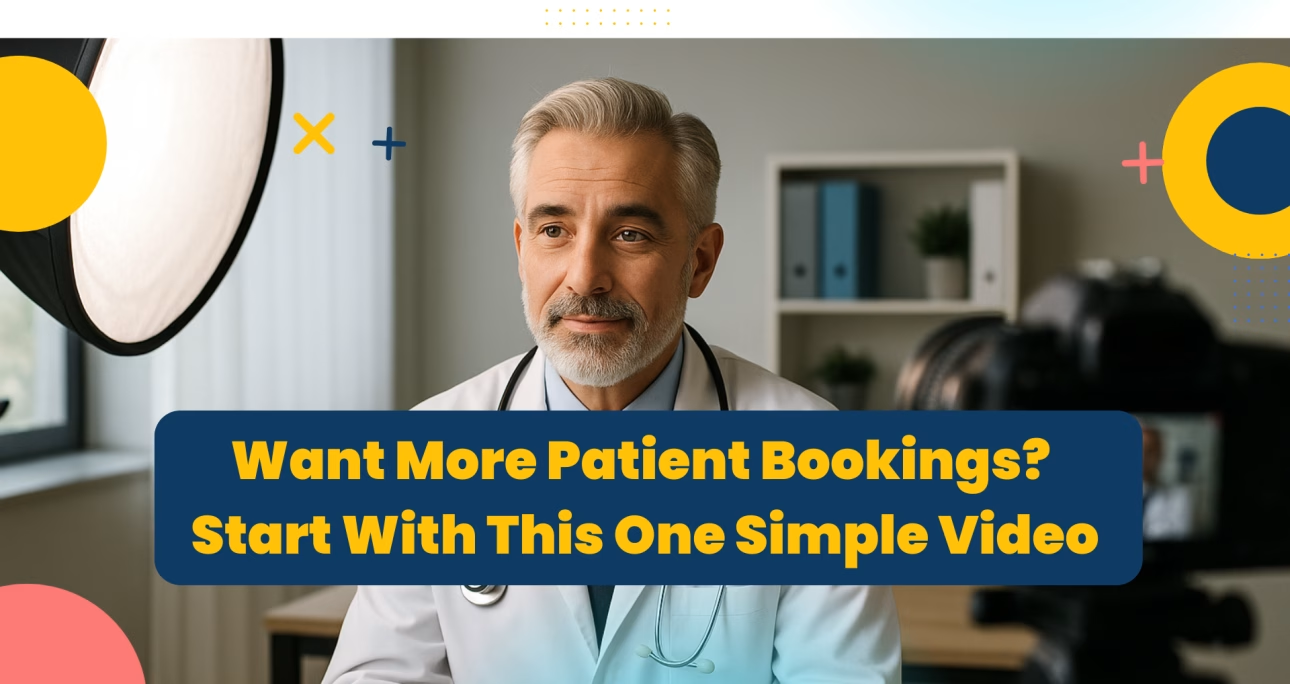
Want More Patient Bookings? Start With This One Simple Video
There’s one quick, authentic video that can dramatically increase patient trust, reduce anxiety, and boost your clinic’s bookings.
It’s not expensive. It’s not hard to produce. And it works because it speaks to what really matters in healthcare: personal connection.
At Visualante Creative, we help clinics and healthcare brands use video storytelling to build relationships before patients ever walk through the door.
The ‘Meet the Doctor’ video is one of the most powerful tools for this. Here’s why.
Why One Video Can Increase Patient Bookings (and Trust)
Patients don’t just want qualifications, they want to feel safe. A simple, warm intro video featuring the doctor does three powerful things:
Builds an Instant Human Connection
Seeing a doctor’s face and hearing their voice activates empathy in the brain. In fact, neuroscience shows humans are wired to respond emotionally to faces. It helps patients feel like they already know you.
Answers the Unspoken Question: ‘Can I Trust This Person?’
Patients report that seeing a doctor on video helps them decide whether they’re friendly, confident and trustworthy, before the first appointment. That trust leads to more bookings and better patient satisfaction.
Reduces Anxiety for First-Time Patients
New environments make people nervous. A quick video introduction, paired with a clinic walkthrough or friendly FAQ, sets expectations and removes the ‘fear of the unknown.’
https://www.youtube.com/watch?v=3xd-Rhy1mto&ab_channel=JacksonHospital
“I treat every patient like family.”
Step inside Jackson Hospital and meet Dr Tamjeed Arshad, bringing empathy, expertise, and a calm presence to every consultation. This short video shows why patients trust him before they’ve even met him in person.
How to Make an Effective ‘Meet the Doctor’ Video
Creating a video that builds trust doesn’t mean being flashy, it means being relatable. Here’s how to create a ‘Meet the Doctor’ video that actually resonates with patients and helps grow your clinic.
1. Start with Natural Conversation
Avoid stiff scripts or talking to camera. Instead, have the doctor chat with an off-camera interviewer, this encourages genuine answers, natural tone, and relaxed body language.
Prompts like: ‘Why did you become a GP?’ or ‘What do you enjoy most about patient care?’ tend to unlock heartfelt, trust-building responses.
2. Keep It Simple and Professional
You don’t need a massive crew, just a thoughtful setup:
- Use soft, flattering lighting from a softbox or ring light
- Record in a quiet, tidy space within your clinic (e.g. consulting room or reception area)
- Frame a mid-shot (head-and-shoulders) with the camera at or just above eye level
- Capture good audio with a lapel mic clipped to the doctor’s collar (audio matters more than perfect visuals)
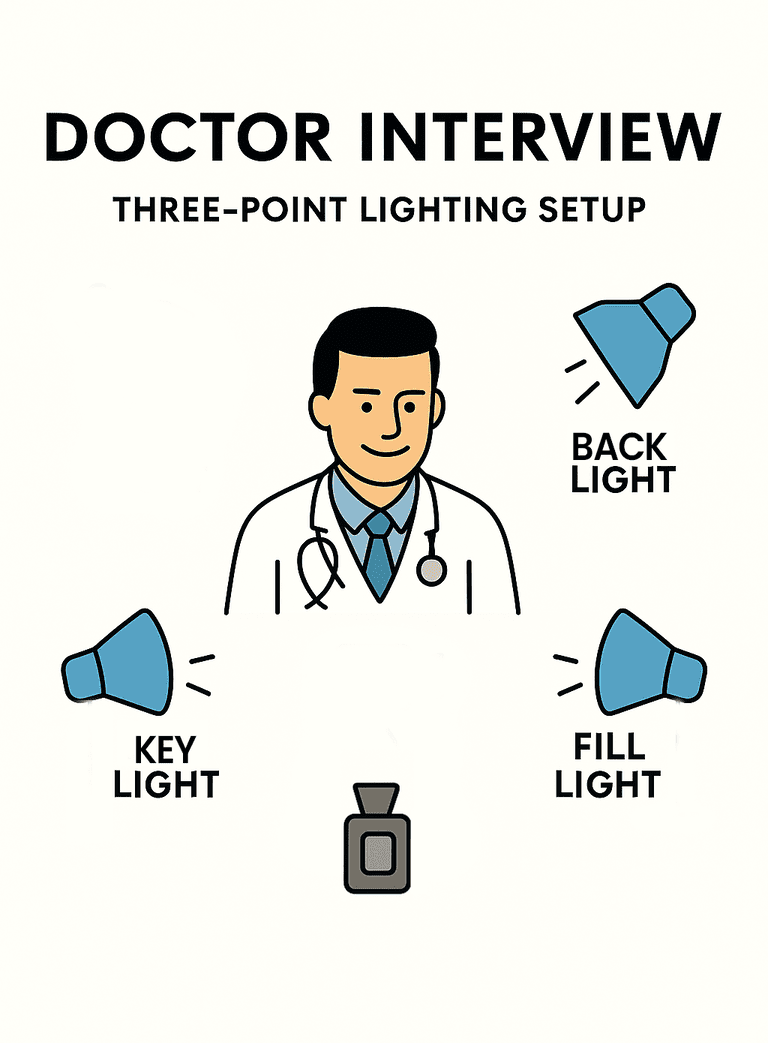
The Perfect Setup for Doctor Interviews
This simple 3-point lighting diagram shows how to create a flattering, professional look for your doctor intro videos, using Key, Fill, and Back Light positions to highlight the face, soften shadows, and separate the subject from the background.
3. Add B-Roll to Bring It to Life
Intersperse the main interview with relevant B-roll: The doctor walking through the clinic, greeting a patient, or reviewing paperwork. These dynamic shots:
- Add visual interest
- Smooth over editing cuts
- Create a sense of calm professionalism
Make sure you have consent for any identifiable people shown on camera.
4. Keep It Short and Impactful
The sweet spot is 60–90 seconds for the main video. For social media, create 30-second cutdowns that tease the key message or quote. These bite-sized versions are perfect for:
- Facebook
- LinkedIn
- Email campaigns
- Instagram Reels or Stories
5. Use Captions and On-Screen Text
Many people watch without sound, especially on mobile. Include:
- Subtitles for the full video
- On-screen titles for the doctor’s name and role
- Subtle clinic branding (logo, colours) for consistency and professionalism
Captions also enhance accessibility and improve SEO by embedding searchable text in the video.
6. Distribute It Across Multiple Channels
Your video’s value multiplies when it’s seen across patient touchpoints. Share it on:
- Your YouTube channel
- Your website homepage
- Doctor bio or team pages
- In-clinic screens or waiting room monitors
- Patient emails or SMS before appointments
- Your Google Business Profile (under photos or videos)
- Social media: Instagram, Facebook, LinkedIn (reels and feeds)
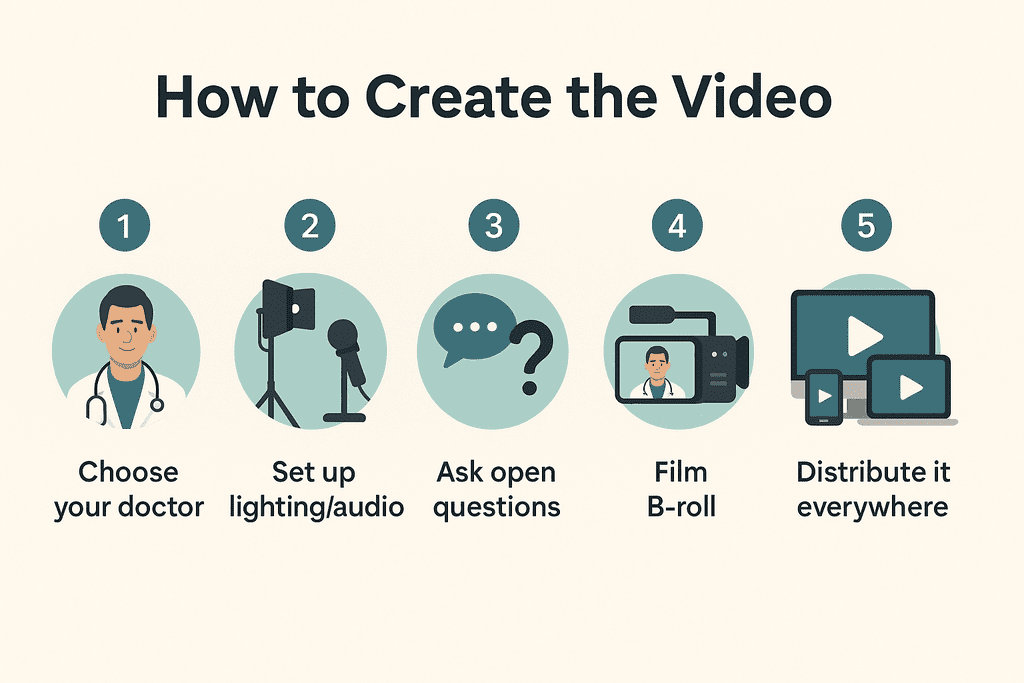
From First Shot to Final Share: Here’s How to Craft a Doctor Video That Builds Trust
This simple 5-step visual guide walks you through creating a powerful ‘Meet the Doctor’ video, from choosing the right clinician to distributing it across platforms. Clear. Human. Effective.
ROI from Clinics Using Video Intros
Clinics that use short intro videos on their homepage or Google Business Profile see:
- Up to 20% increase in appointment conversions
- 5–6× more enquiries than with text-only profiles
- Patients spend 2 minutes longer on clinic websites when video is present
The stats are clear: a simple doctor intro video = more trust, more engagement, more bookings.
Where and How to Use Your Doctor Intro Video
-
Your homepage or ‘About’ section
-
Patient booking confirmation emails or SMS
- Social clips (Instagram Reels, Facebook, LinkedIn)
-
YouTube channel or playlist
- Google Business Profile
- Email newsletters
Tailor the format to the platform, vertical for Reels, landscape for your site.